Your music, your lyrics and your queue in one player.
Listen from the online catalog or your own folders. Synced lyrics that follow the song, mixes that refresh every day, an equalizer and a mini player that stays on top.
Everything on time.
Line by line.
A player built around what you listen to: lyrics that follow the song, search that finds as you type, and mixes that refresh every day.
- 0:12Sabah treni geçer, pencere buğulu
- 0:16Elimde soğumuş bir kahve var
- 0:20Şehir uyanmadan yola çıkalım
- 0:25Raylar boyunca sarı ışıklar
Synced lyrics that follow the song. If they fall behind, shift them in half-second steps.
Search that finds as you type. Across the catalog and your library; songs, albums and artists in one box.
M4A 96 · OPUS 51
OGG 22 · WAV 15
covers found ✓
Your own folders are here too. Lemon only reads your files; it never moves or renames them.



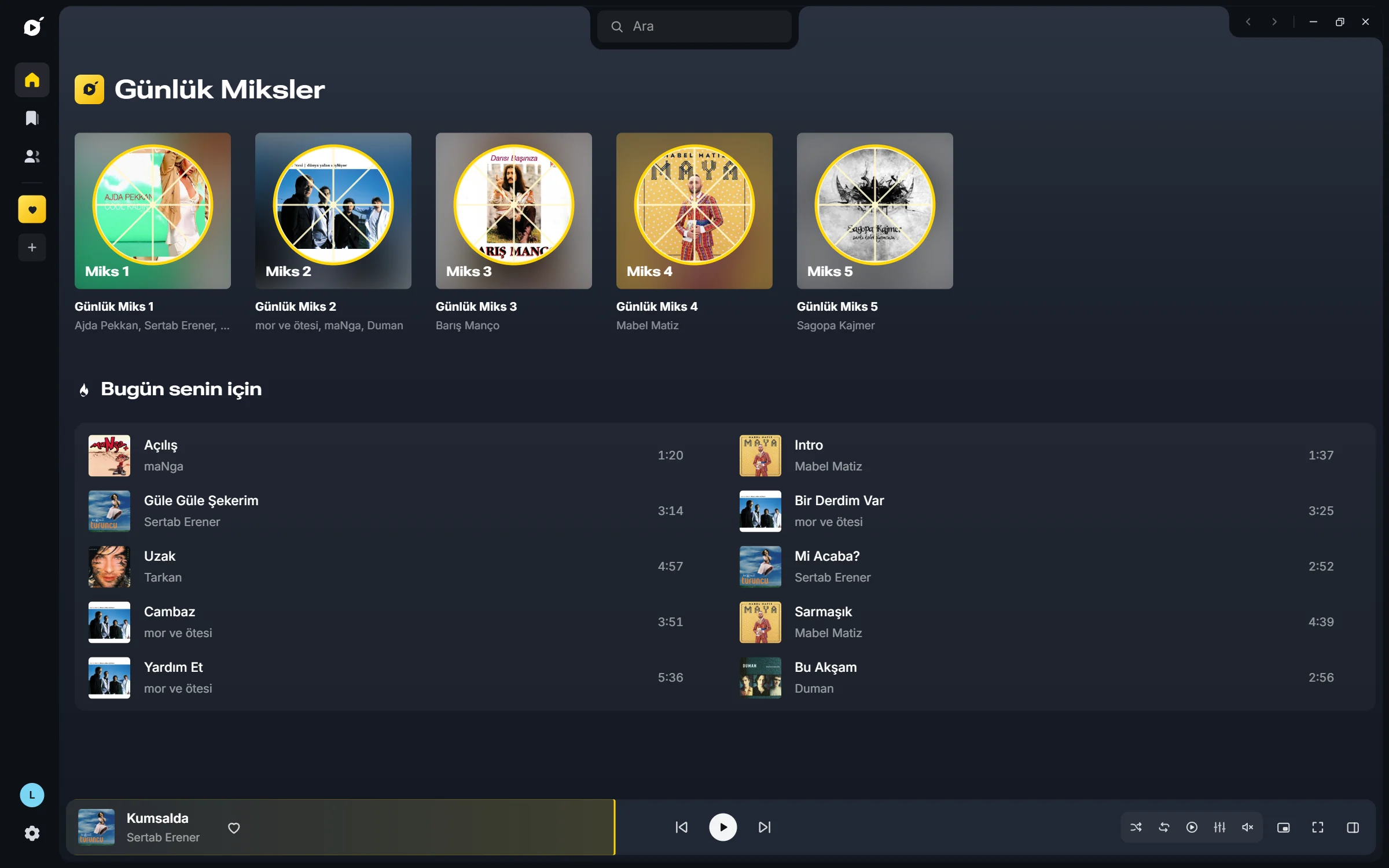
Five new mixes every day. From your library, without having to think about what to play.
Folders are scanned read-only. Tags, names and locations stay exactly as they are.
No audio breaks, no sponsored picks. Just you and your music.
Send friend requests, see what your friends are listening to right now and open the same song with one tap.
The album version plays instead of the music video, so spoken intros and clip sounds stay out.
Songs you like are saved automatically along with their lyrics, so they keep playing when the connection drops.
A 10-band equalizer, 10 presets, pitch and reverb. Set the speed between 0.5× and 2×, keeping the pitch if you like.
A small window that stays on top: the cover, the controls and the line being sung.
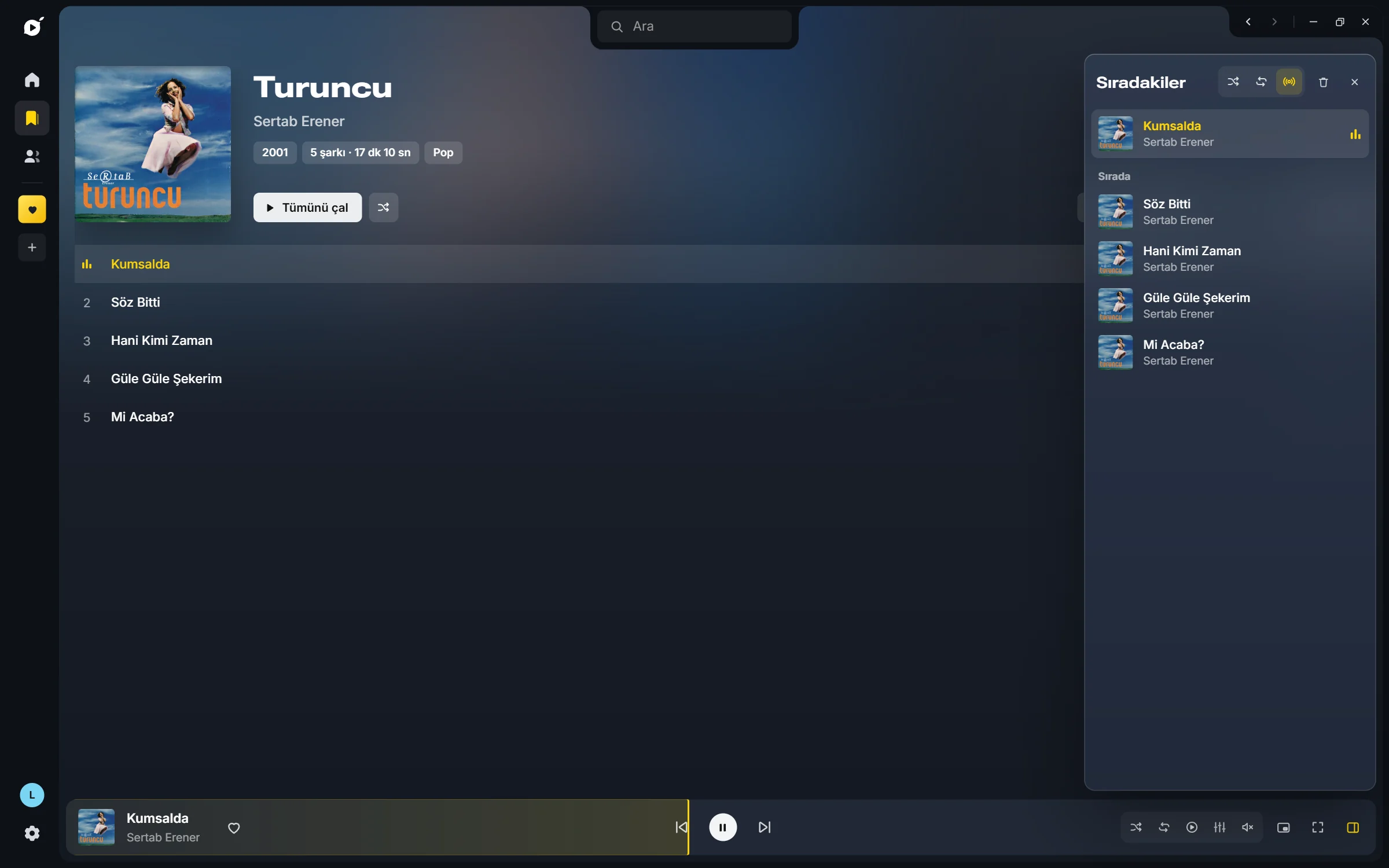
Reorder with drag and drop. Import from a Spotify, Apple Music, Deezer or YouTube link, or from an M3U file.
Ctrl K search, Ctrl L lyrics, Space play and pause, F11 full-screen player.
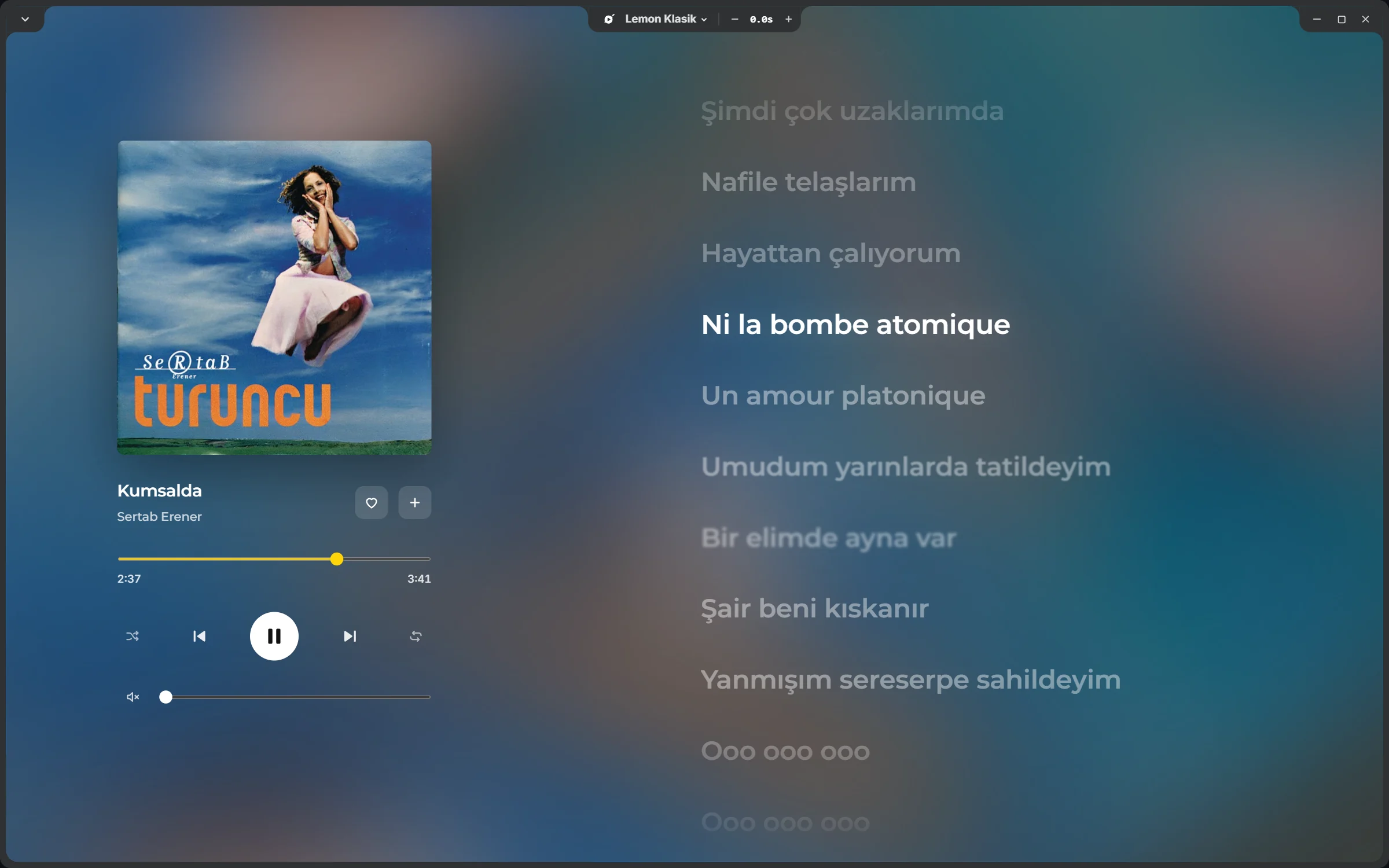
Full-screen lyrics that move with the song.
The current line glows in the middle while the past ones fade. With word-timed lyrics, each word fills in as it is sung. Open them with Ctrl L, over a backdrop that flows in the cover’s colours.
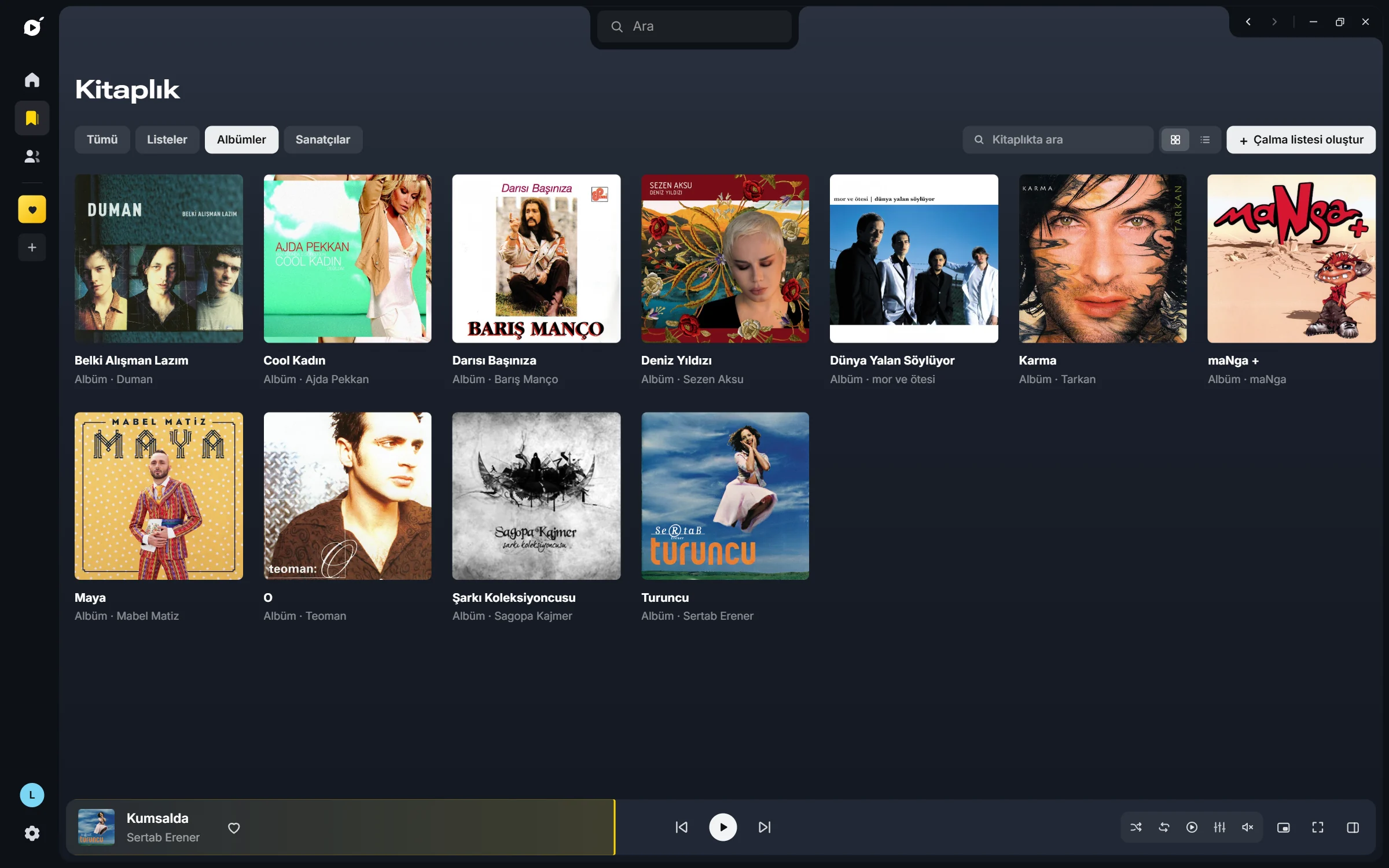
Every album in its own colour.
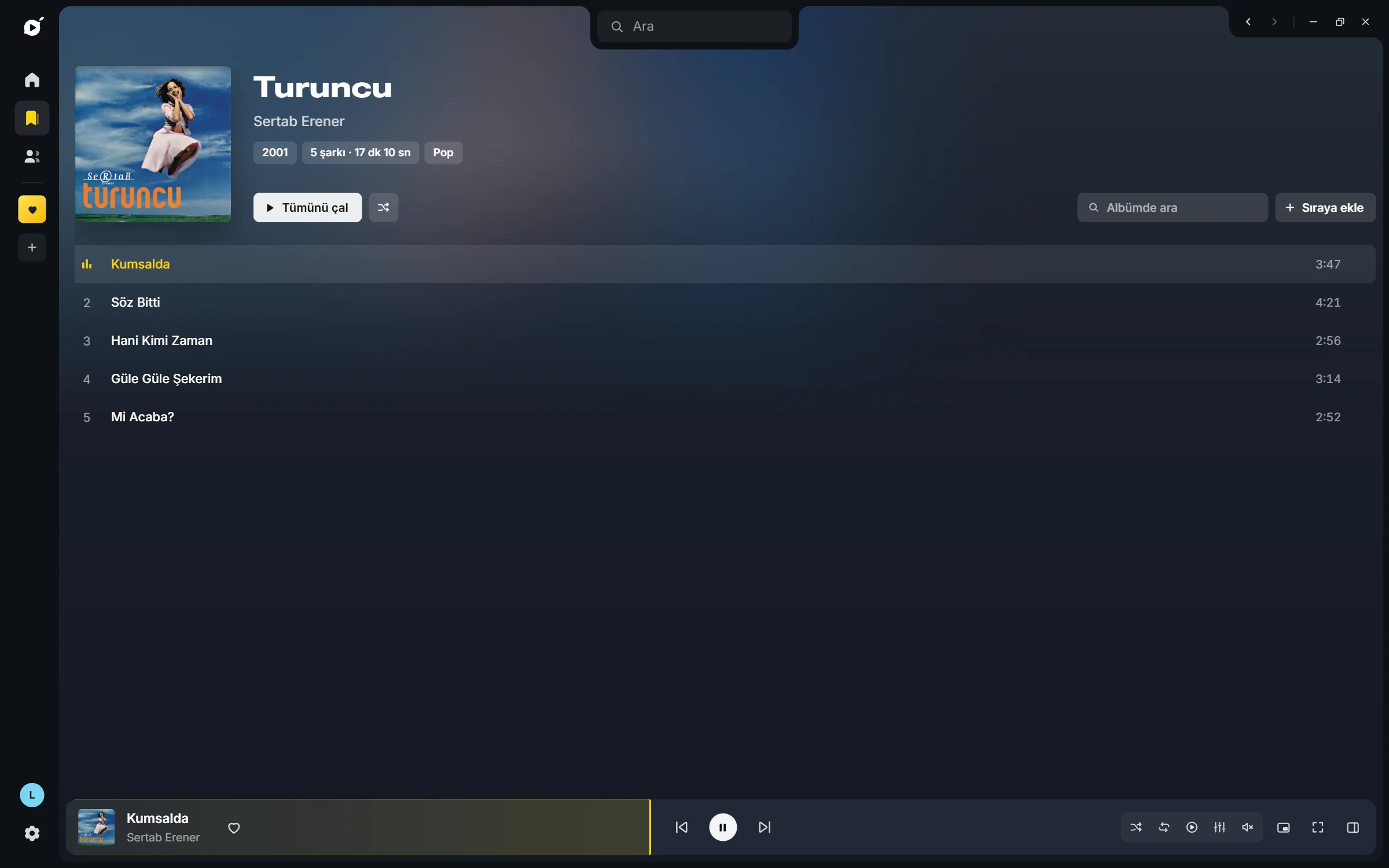
An album page takes its background from the cover. Turuncu turns blue, Cool Kadın turns green.
 Turuncu Sertab Erener
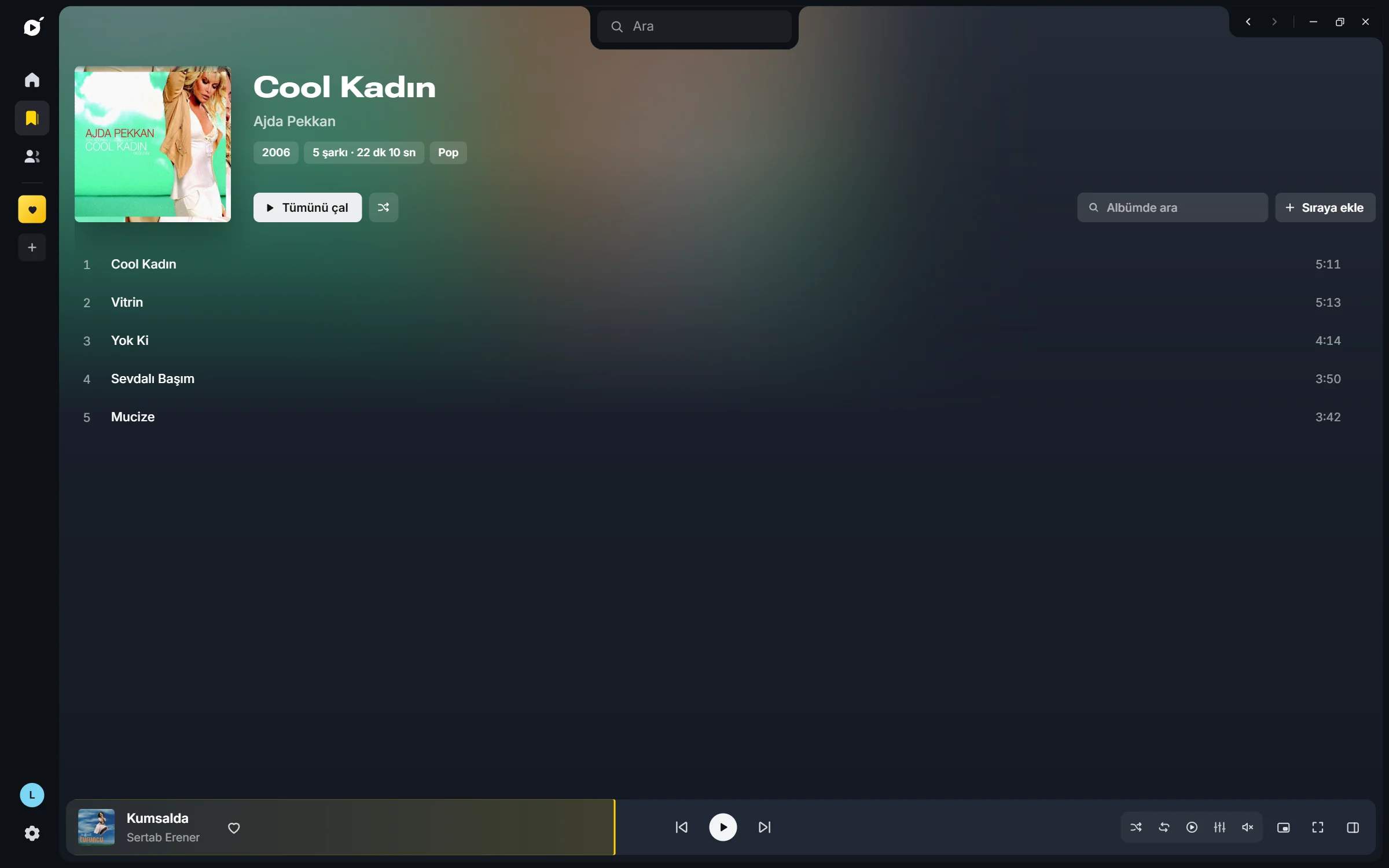
 Cool Kadın Ajda Pekkan
Frequently asked
Is Lemon free?
Yes. Lemon is free, with no ads and no subscription.
Does it change my files?
No. It only reads the folders you choose; it never moves, deletes, renames or retags your files.
Which operating systems does it run on?
Windows, macOS and Linux. See the system requirements on the download page for details.
Where do the lyrics come from?
Synced lyrics come from LRCLIB, or from the catalog’s lyrics when LRCLIB has none. For your own files, a .lrc file next to the song and embedded lyrics are checked first. The source in use is shown on screen, and you can switch between sources when there is more than one.
Do I need an internet connection?
For the catalog and your account, yes. Songs you like and your own folders play without one too.
Do I need an account?
Yes. You open a free account with your e-mail: enter the code you receive and pick a username. Your likes and playlists sync across devices.
Which formats does it play?
MP3, FLAC, M4A, AAC, OGG, OPUS, WAV and WebM.
Why do I see a security warning when installing?
Lemon is not code-signed yet, so your system warns about an app it does not recognise. On Windows, click “More info” in the SmartScreen window, then “Run anyway”. On macOS, right-click Lemon and choose “Open”.
The calmest way to listen to your music
Free. For Windows, macOS and Linux.
Download Lemon